🎧 Korean Audio Story
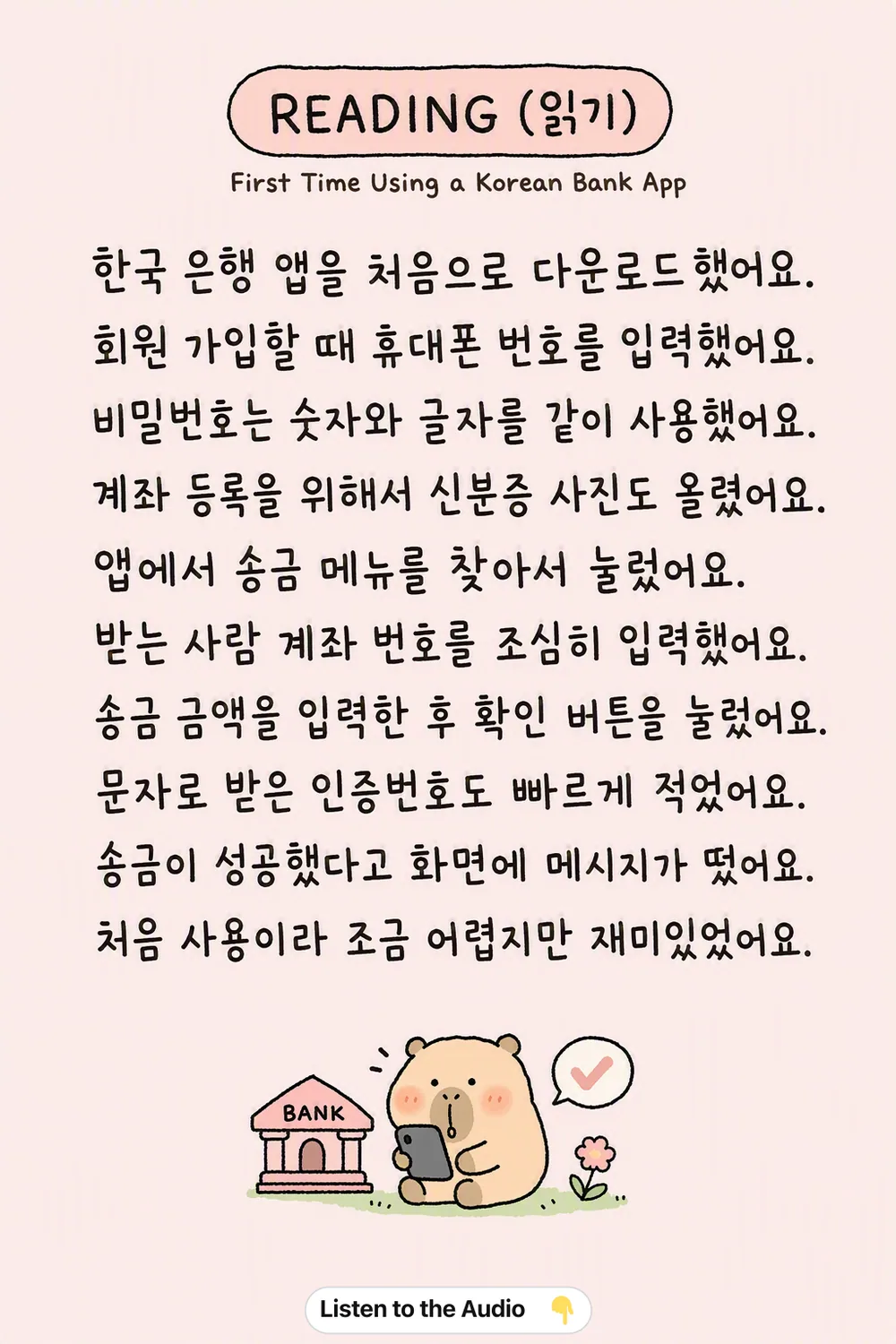
First Time Using a Korean Bank App
🎧 Listen
Meaning
- I downloaded the Korean bank app for the first time.
- I entered my phone number when signing up.
- I used both numbers and letters for the password.
- I uploaded a photo of my ID to register my account.
- I found and clicked the transfer menu in the app.
- I carefully entered the recipient's account number.
- I entered the transfer amount and pressed the confirm button.
- I quickly typed the authentication code I received via text.
- A message appeared on the screen saying the transfer was successful.
- It was a bit difficult since it was my first time, but it was fun.